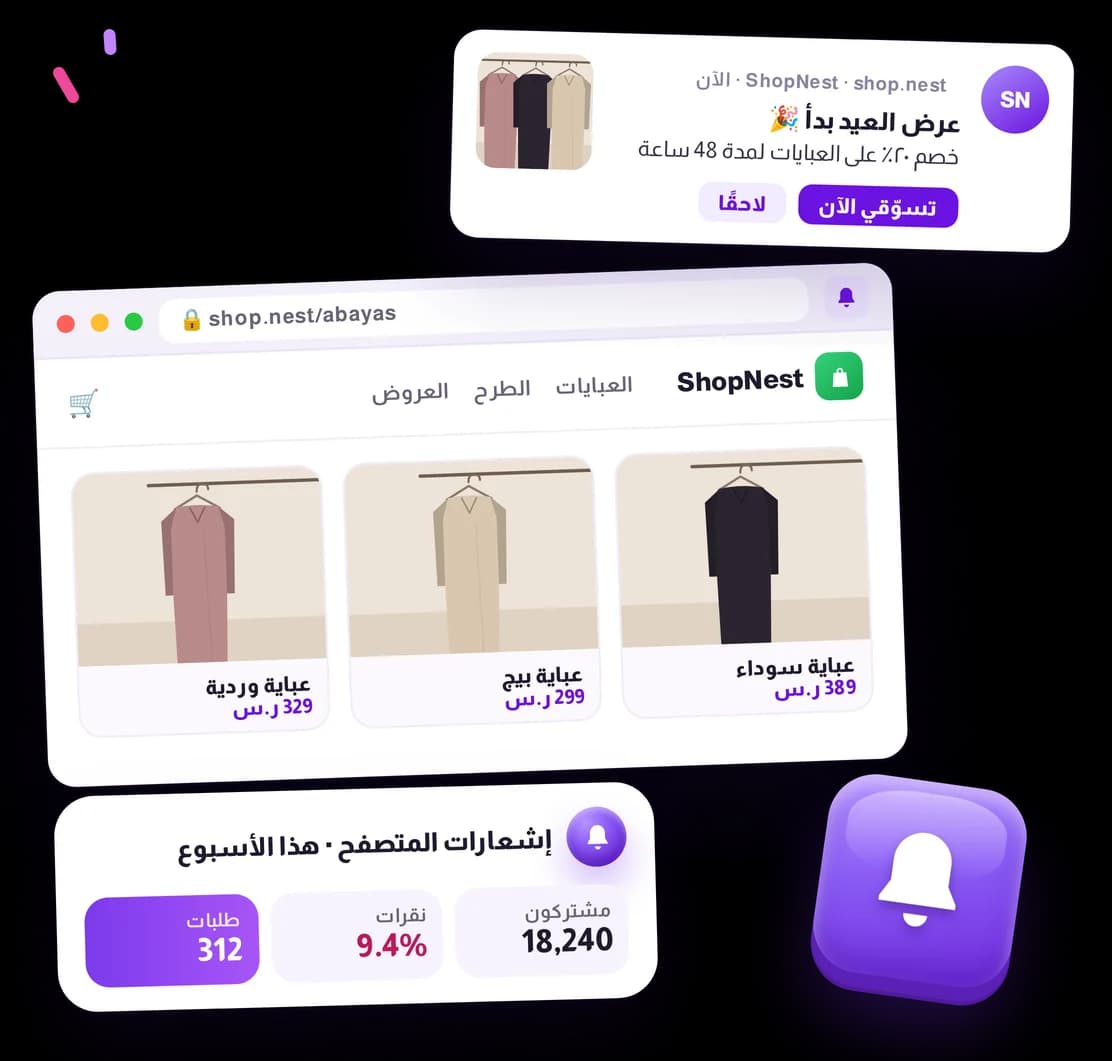
Web Push Notifications
Bring opted-in visitors back with timely web notifications for products, offers, and cart follow-ups—without waiting for another email open.

Features
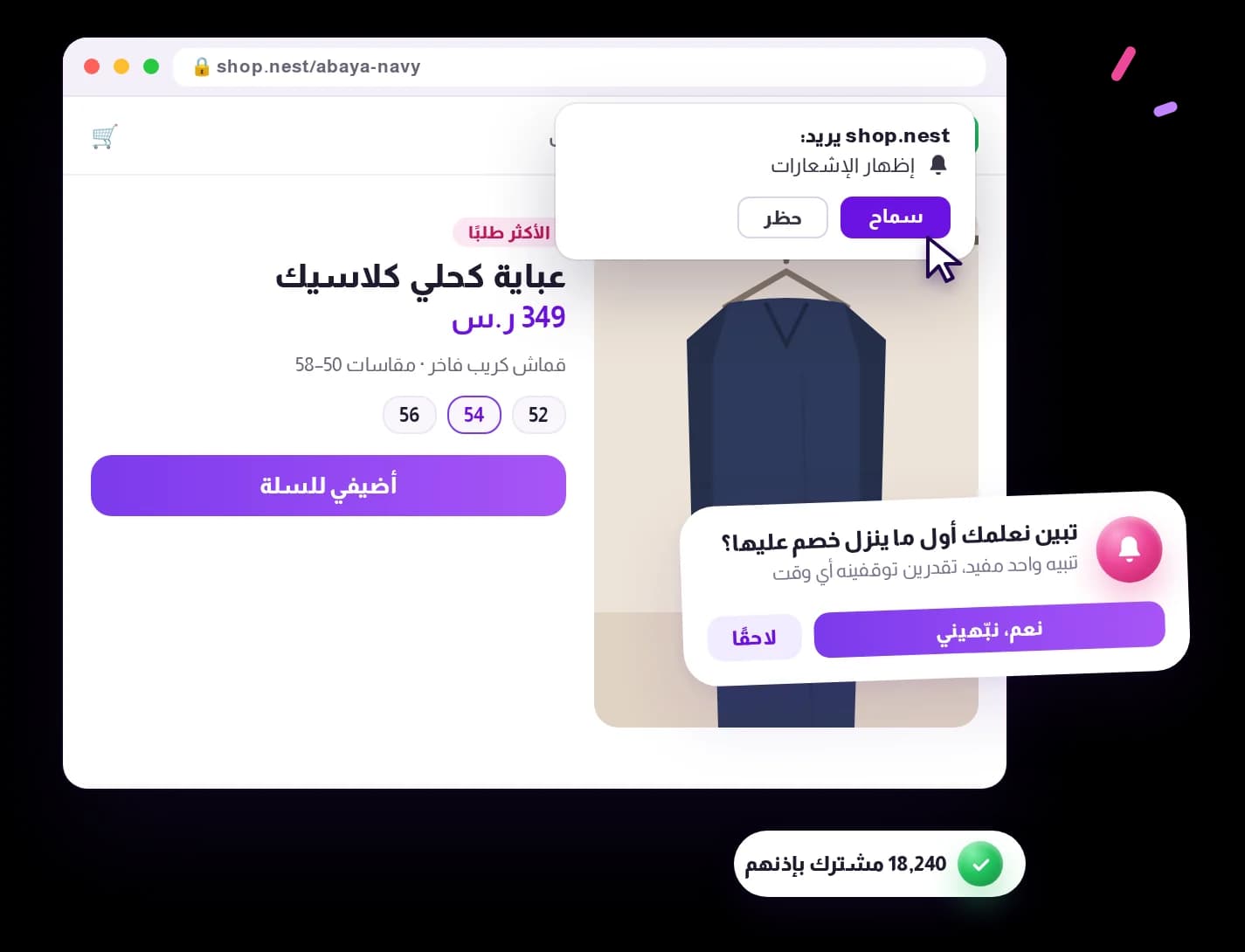
re-engage Earn permission before you
Reach visitors who chose to receive updates, helping your store keep the channel useful and trusted.
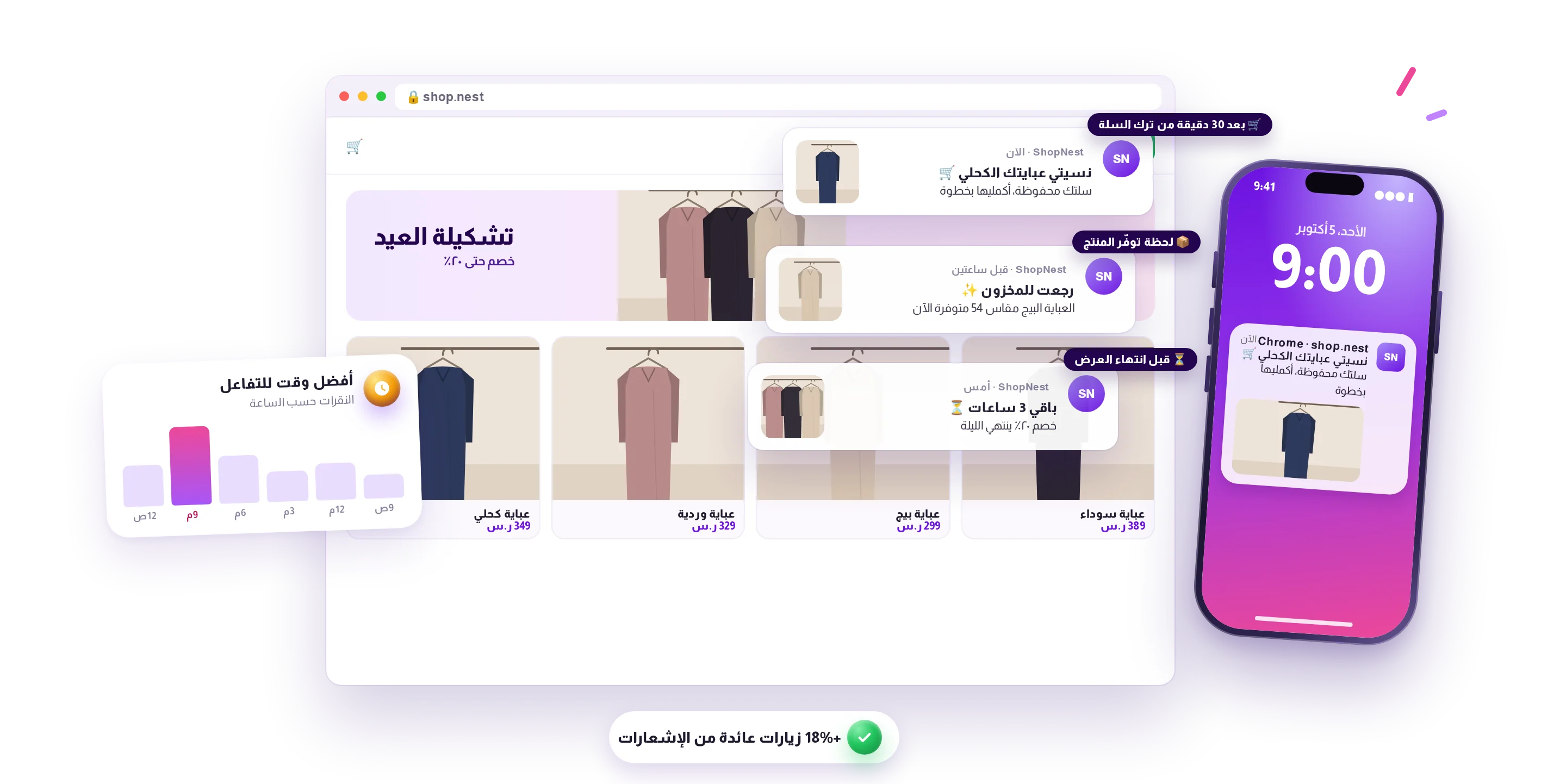
at the right moment Bring shoppers back
Notify opted-in visitors about relevant products, time-sensitive offers, and cart follow-ups when they are most likely to act.

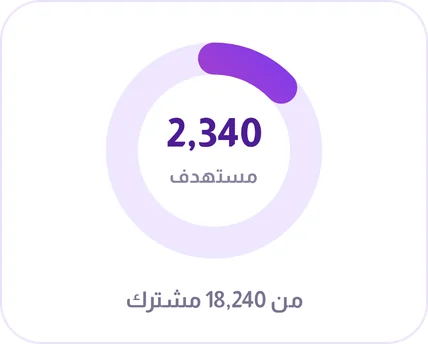 3× more clicks · less noise
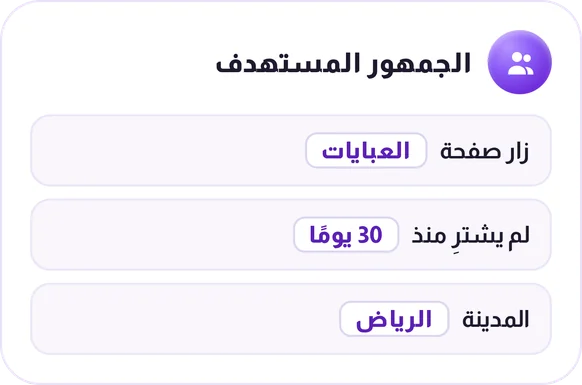
Target the audience that needs the update
Send each notification to a focused customer group, so shoppers see fewer irrelevant messages and your campaigns work harder.
Use Cases

New offers and arrivals
Tell opted-in visitors about new arrivals and limited-time offers.

Order and store updates
Keep opted-in customers informed about useful store updates, helping reduce uncertainty without adding more support tickets.

Win back inactive visitors
Re-engage visitors who haven't returned with a relevant, timely notification.

Order updates
Send customers to the right order or account page when an update needs their attention.
A timely website reminder
Reconnect with visitors who opted in
Web push notifications provide a lightweight way to reconnect with visitors who have chosen to hear from you. Use them for useful updates that can bring a customer back to the right page at the right time.
- 01Ask for permission at a moment when the value is clear.
- 02Send a short, focused notification tied to a relevant page or action.
- 03Review engagement and adjust timing and content for future messages.
Permission and relevance are the foundation of a web push program customers welcome.
How web push notifications actually work
A web push notification reaches a visitor's browser even when they're not on your site — a clickable alert about a flash sale, a restock, or a cart they left behind. Send it immediately, schedule it, or set it to repeat hourly, daily, weekly or monthly, and attach a trackable link so you know exactly what it drove.
- 160-character limit per notification, with emoji support.
- Works on Chrome, Safari and Firefox on desktop and Android, no restrictions.
- iOS needs the site added to the Home Screen first — that's a Safari/iOS rule, not a Shrinkit one.
- Subscriber growth, geography and per-notification success rate are all tracked automatically.
Documentation for this feature
Browse the full documentation


Products


