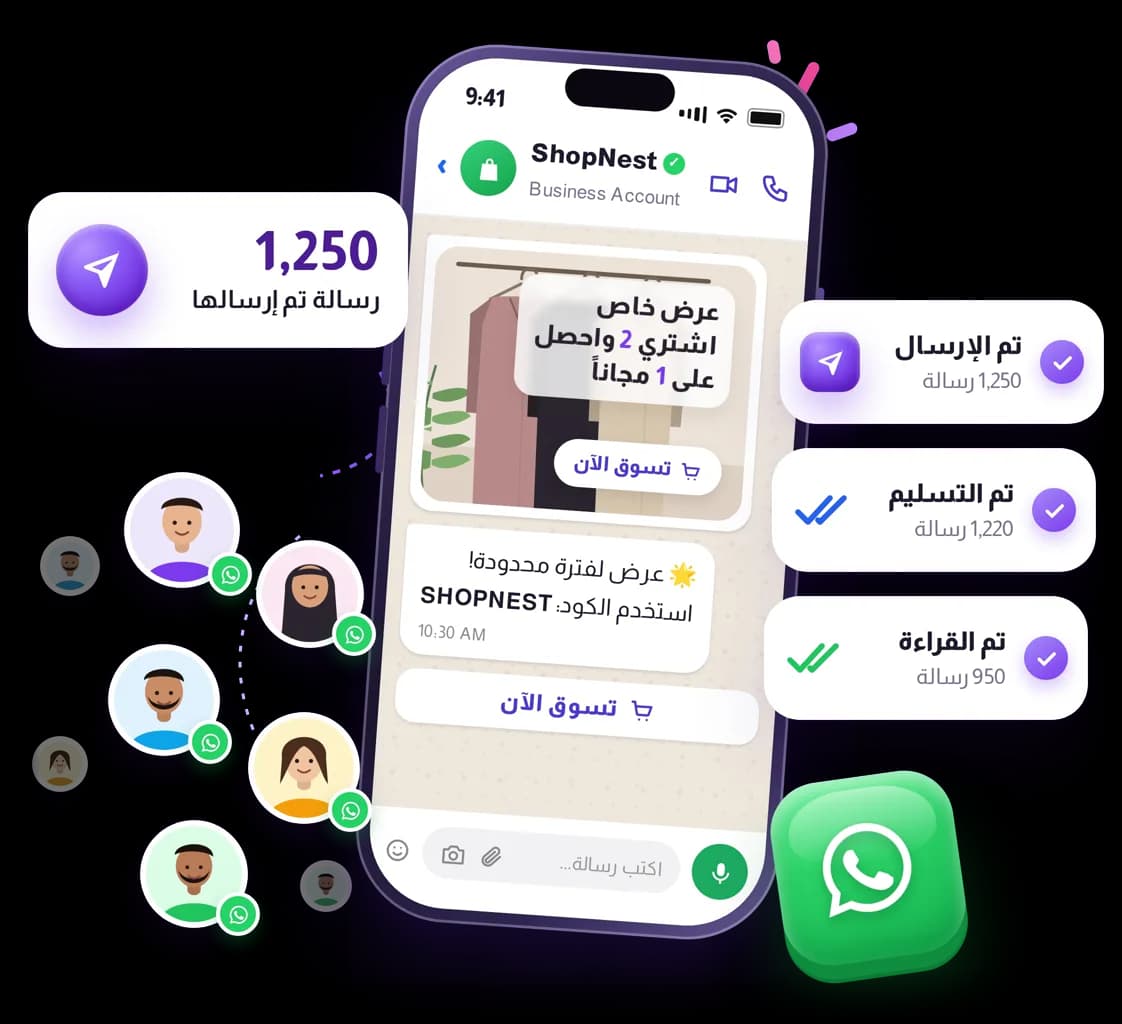
WhatsApp Cloud At Volume
The official WhatsApp Business API channel — required for COD confirmation flows and for template-based sending at volume.

Features
Not the same as scanning a QR code
The QR-linked WhatsApp channel is fine for two-way chat and small campaigns. COD confirmation buttons, approved templates and high volume need WhatsApp Cloud.

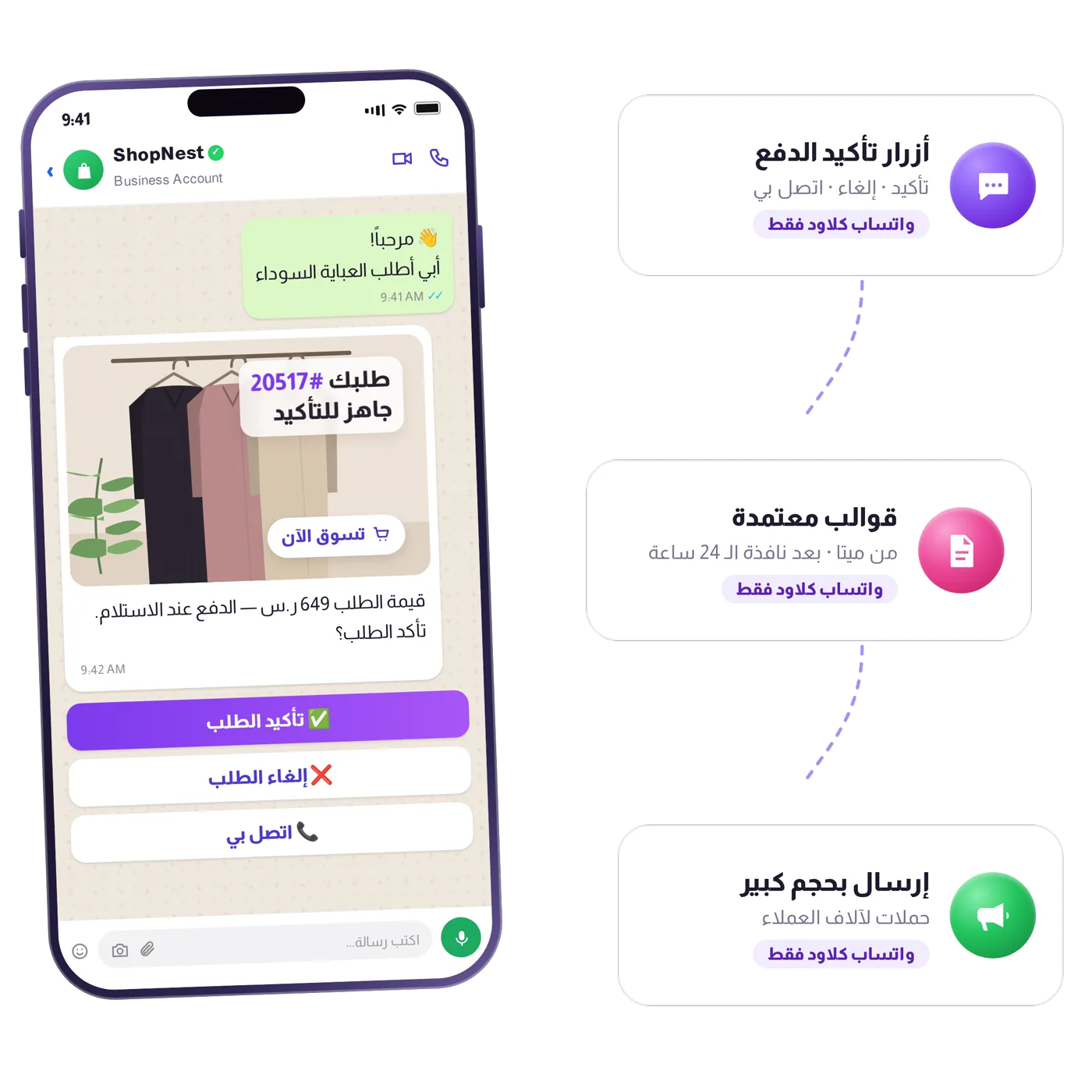
Get your number ready for big campaigns
Start with a limited sending volume and raise it gradually until your number is ready to send WhatsApp campaigns at a larger scale.
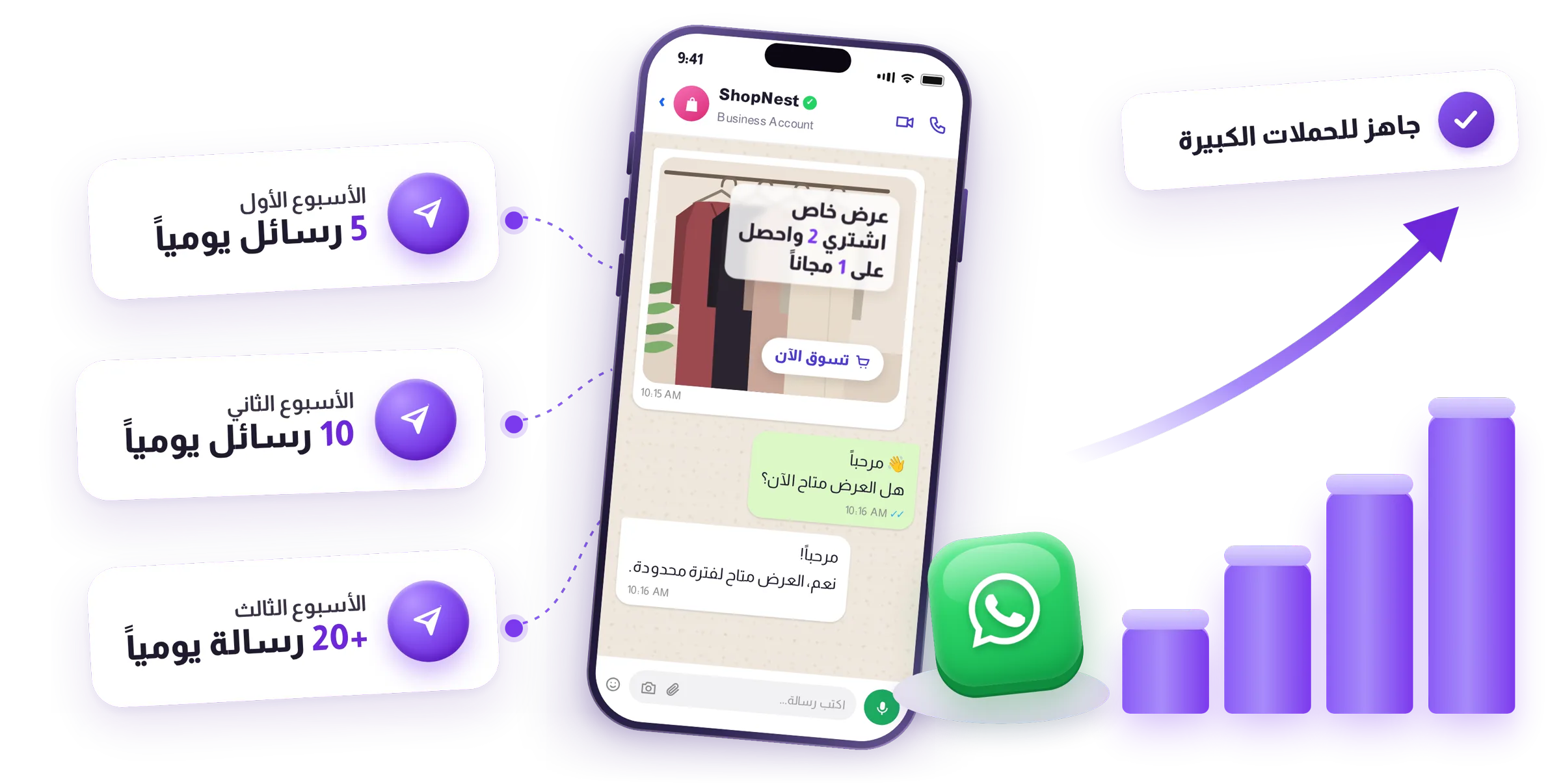
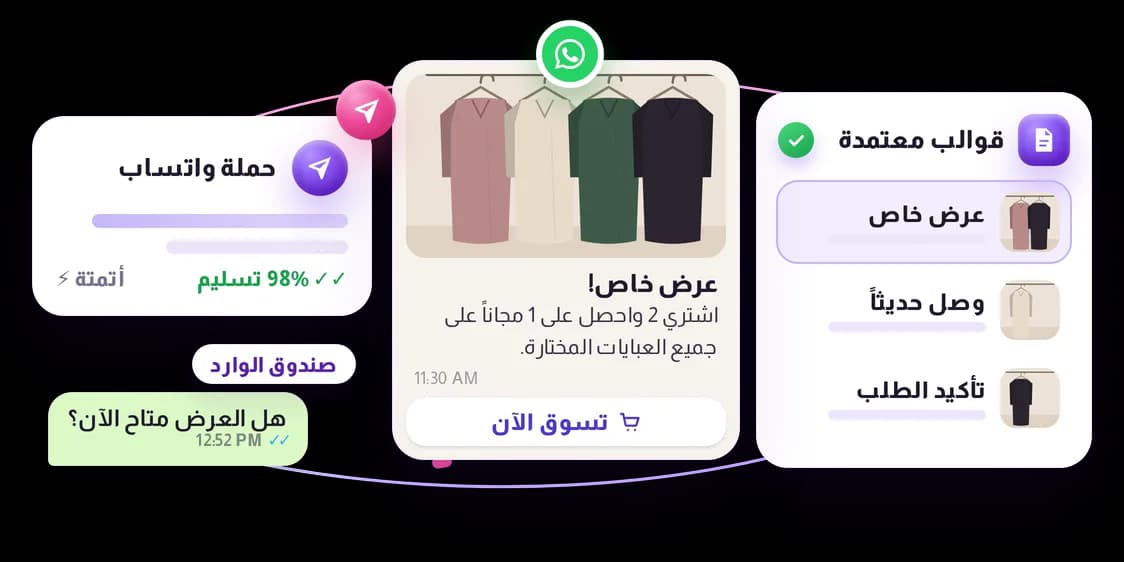
Templates, campaigns and chat
Save approved templates, send them as campaigns or from automations, and keep replying in the unified inbox.
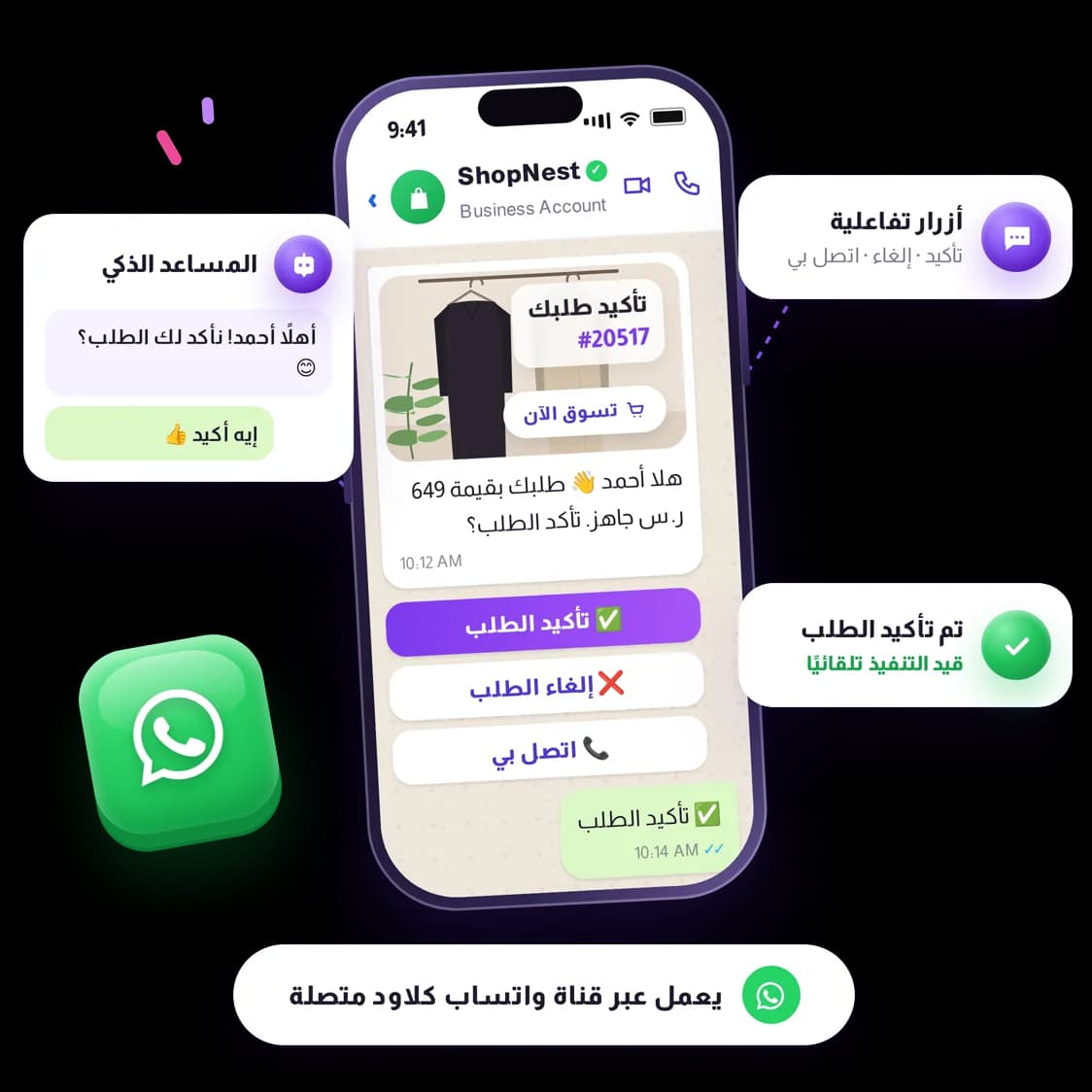
The channel COD runs on
Both automated COD routes — interactive buttons and the AI assistant — need a connected WhatsApp Cloud channel.
Use Cases
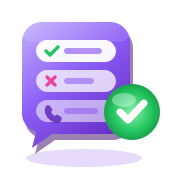
Confirm, Cancel, Call me
Tappable buttons on the order confirmation message.

Deliverability you can watch
Per-message logs with the response code the channel returned.
Guided activation
A step-by-step guide to getting the account approved in the first place.
Compare normal WhatsApp (QR-paired) and WhatsApp Cloud
What WhatsApp Cloud actually gives you
WhatsApp Cloud is Meta's official WhatsApp Business Platform, connected straight into Shrinkit — built for stores that have outgrown the free WhatsApp Business app. Multiple teammates can work the same number at once, you get full delivery and read reports, and every automation (COD confirmation, campaigns, bots) becomes available. Shrinkit never adds a markup: Meta bills your business account directly for messages, at the same per-message rate either way.
- One 24-hour window: reply freely to a customer who messaged you first; outside that window, only a Meta-approved template goes through.
- Setup needs Meta business verification and a phone number not already active on WhatsApp.
- Template approval is fast — typically minutes to a day.
- Meta rates your number's quality from customer blocks and reports; a low rating can shrink how much you're allowed to send.



Products


