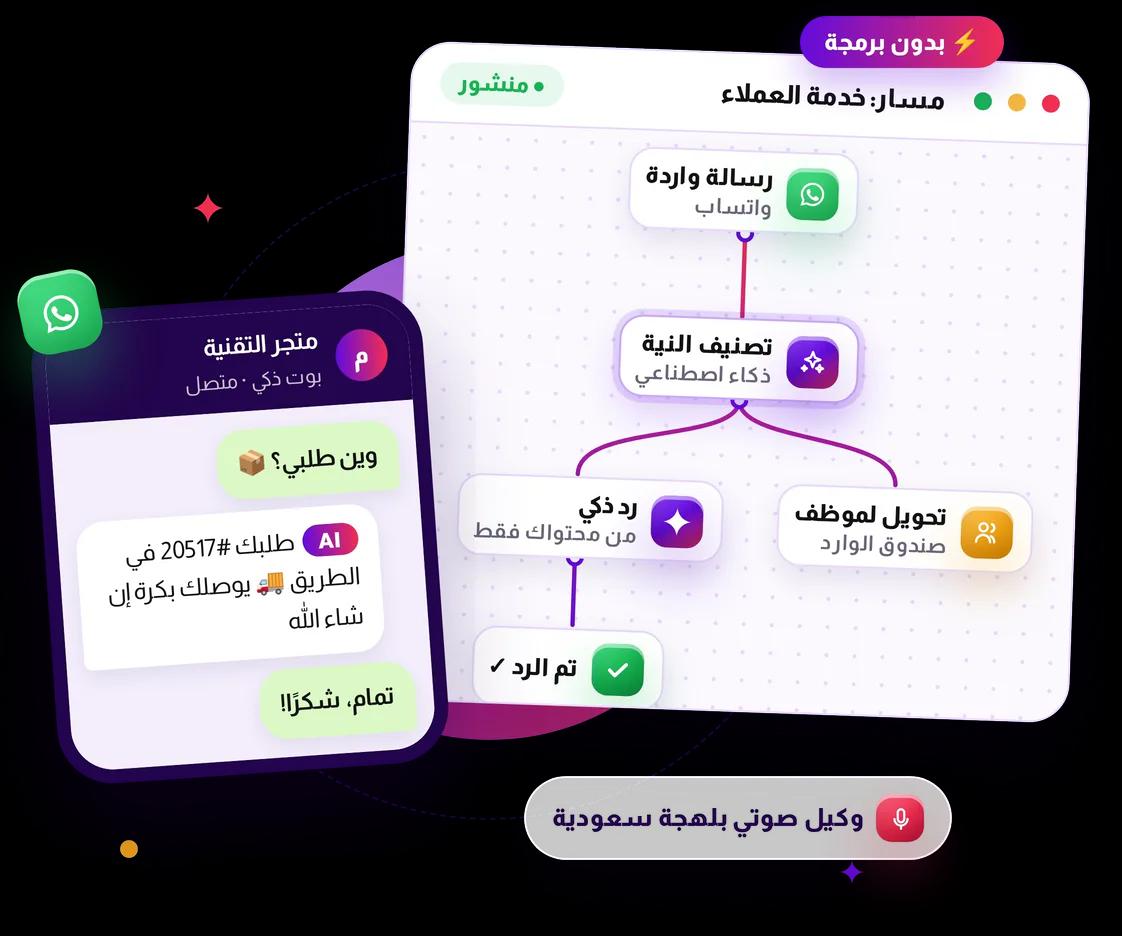
No-Code AI Bot Flows
A visual flow builder with AI nodes — RAG answers drawn only from your own content, intent classification, and a Saudi-Arabic voice agent.

Features
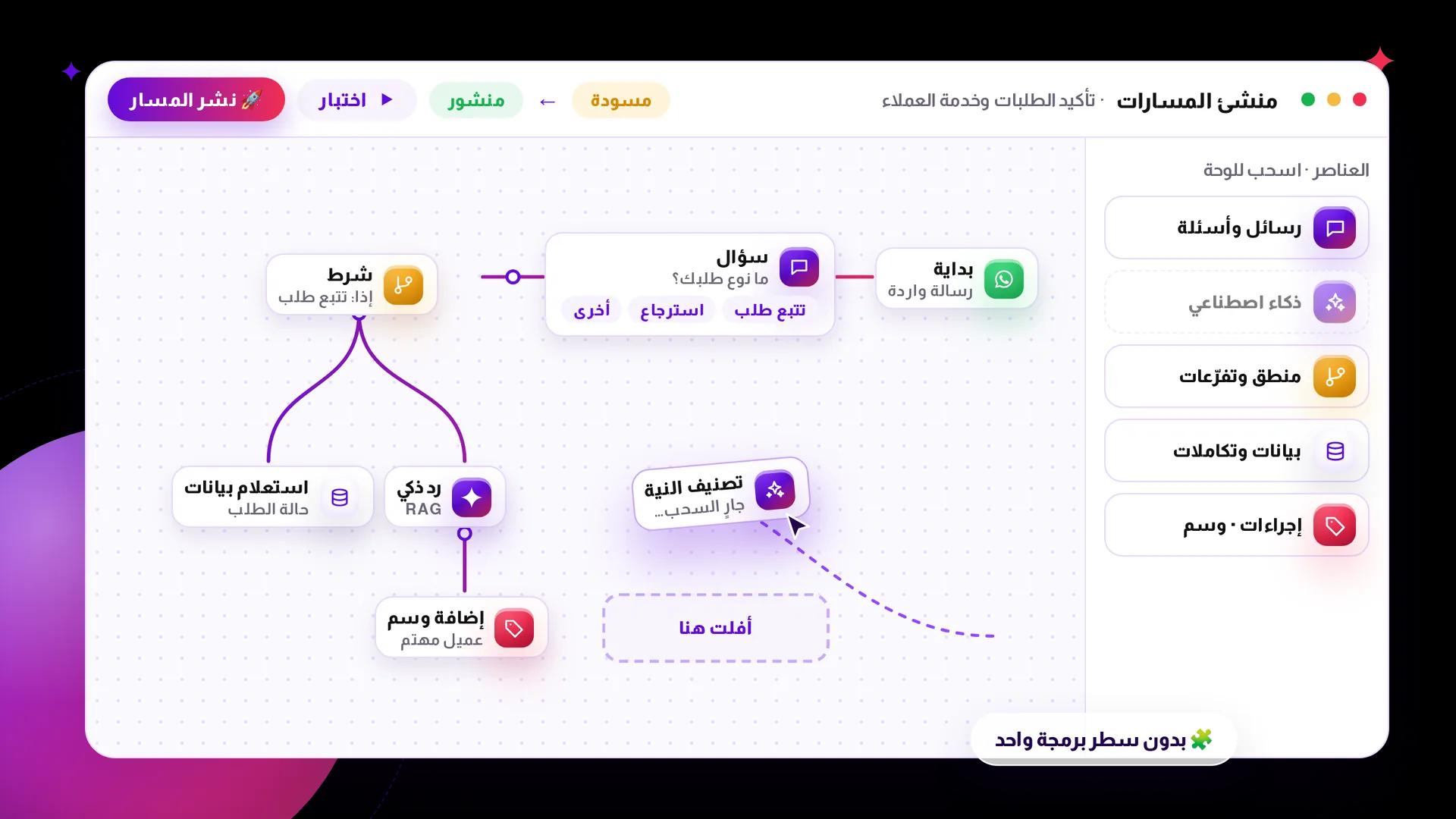
Drag, connect, publish
Build conversations from nodes: messages and questions, AI, logic and branching, data and integrations, and customer actions like tagging.
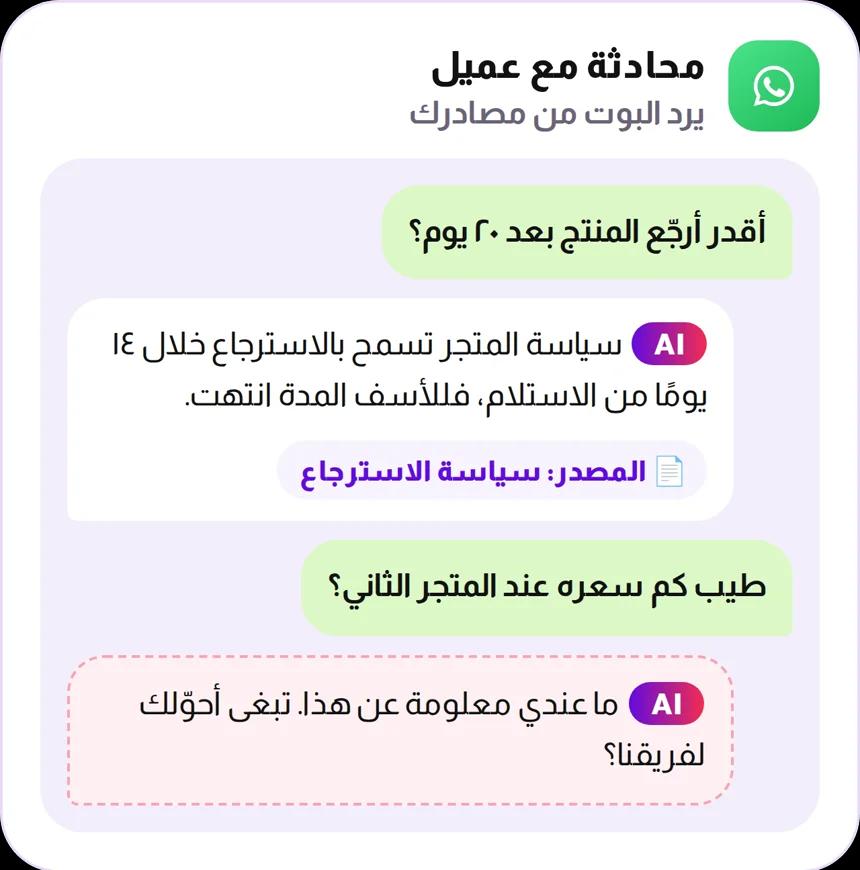
Keeping the AI honest
The RAG node answers only from the content you give it. That is how you stop a bot inventing an answer about your products, your prices or your return policy.
 RAG node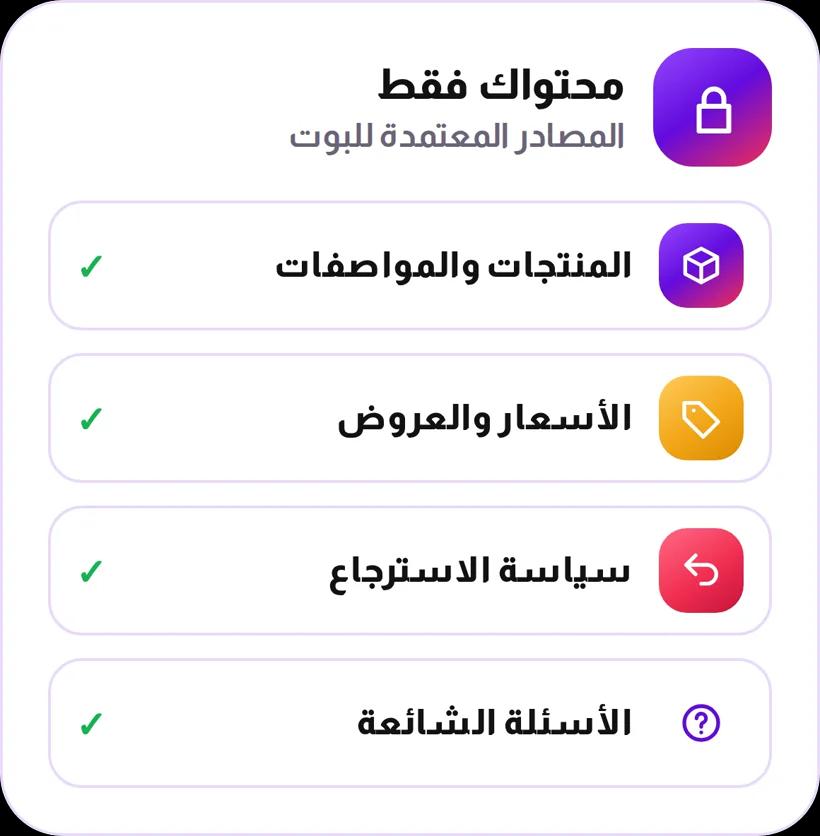

Information outside your content
The bot never makes it up
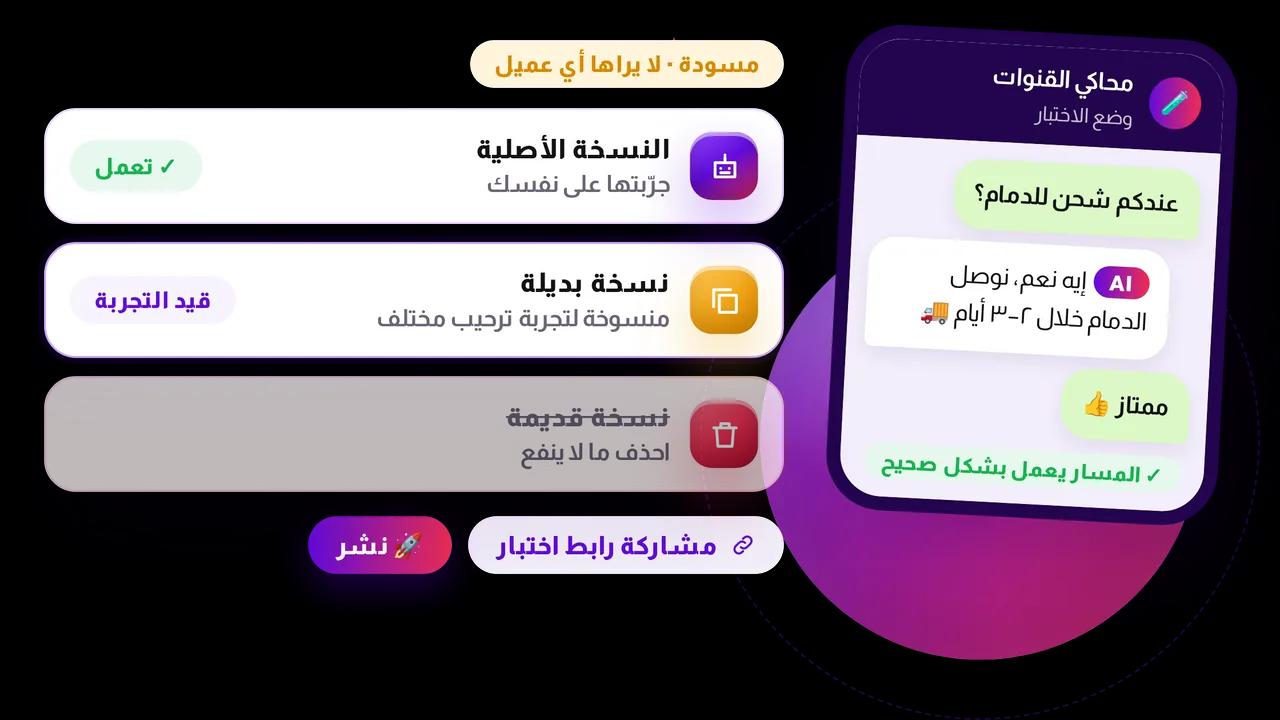
Test before you ship
Run a flow against yourself, duplicate it to try a variant, and delete what does not work.
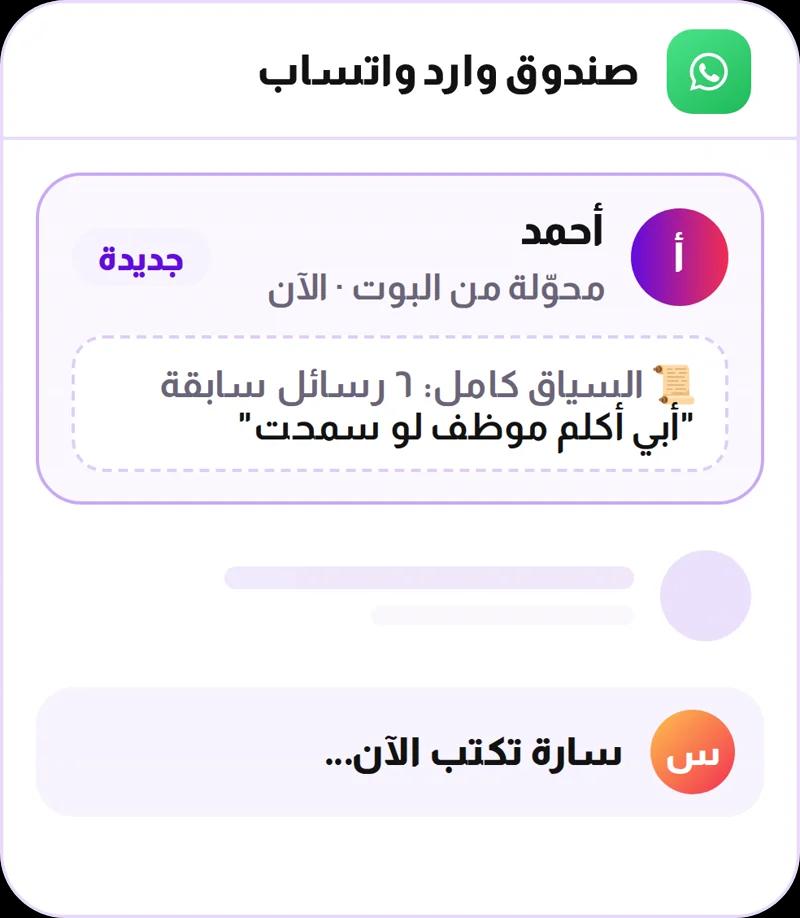
It knows when to step aside
Any flow can drop the conversation into the WhatsApp inbox, with everything said so far.


Use Cases
Answer the same question once
Where is my order, do you deliver here, what is the return policy.

Qualify before a human replies
Classify intent up front so the conversation arrives already sorted.

A Saudi-Arabic voice agent
Calls customers to confirm and follow up on orders when a call works better than a message.
How bot flows actually work
Build the conversation with drag-and-drop blocks — no coding. Start from a trigger, then chain together messages, quick replies, AI responses, conditions and data lookups until the flow does exactly what you want: answer a product question, confirm a COD order, recover a cart, or hand a tricky case straight to a human. A flow only handles real conversations once you publish it, and the built-in simulator lets you test it end to end — and share a test link with a colleague — before it does.
- Draft → Published → Archived: only a published flow ever talks to a real customer.
- AI nodes included: AI response, AI agent, intent classification and even a voice agent — not just fixed scripts.
- Test before you ship: the Channel Simulator runs the whole flow, shareable by link, no dashboard login needed.
- Three monitoring pages track every run: Executions, AI usage, and AI logs.
Documentation for this feature
Browse the full documentation


Products


